Used by 5,000+ businesses
Free invoice templates that
get paid faster
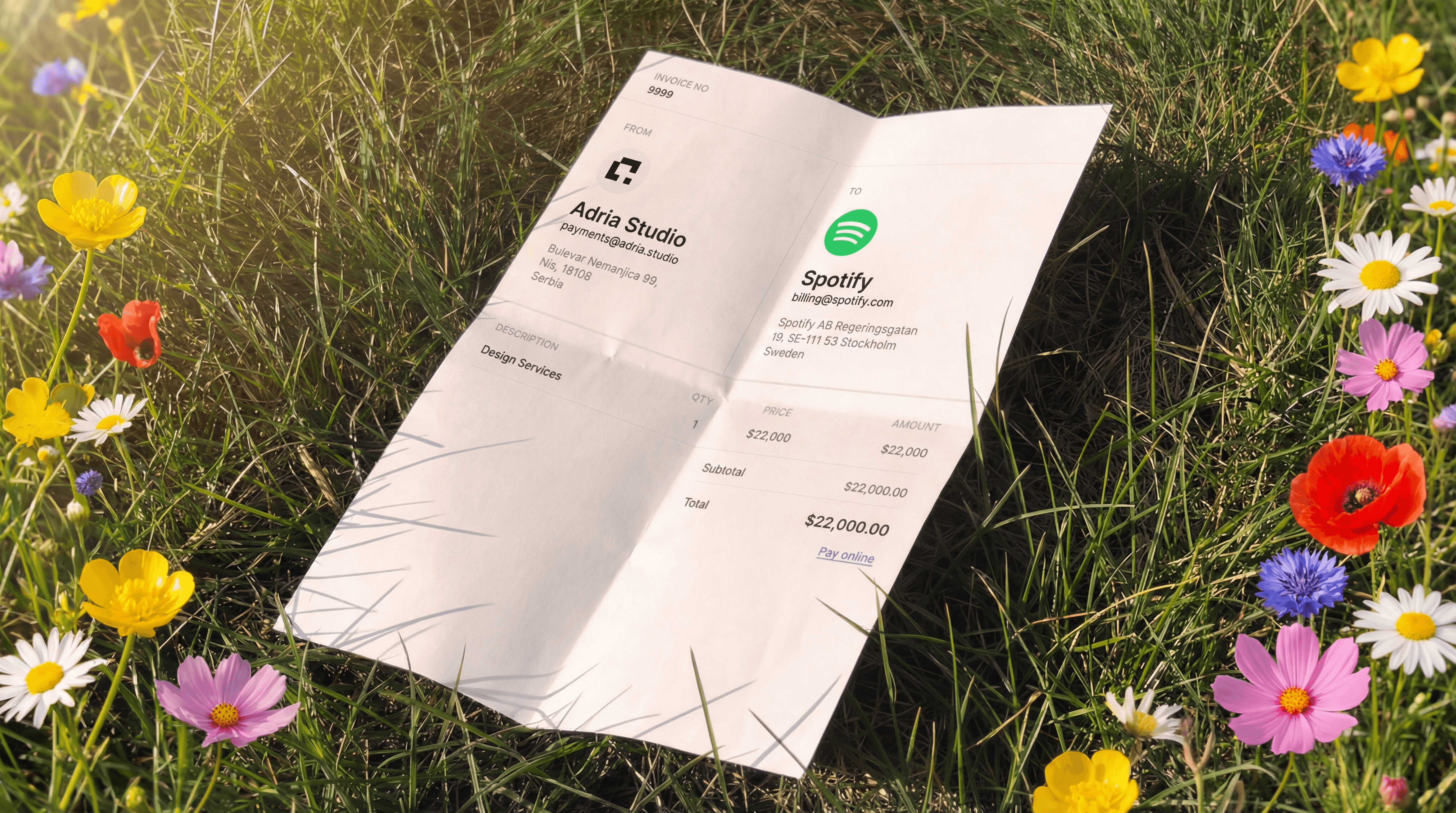
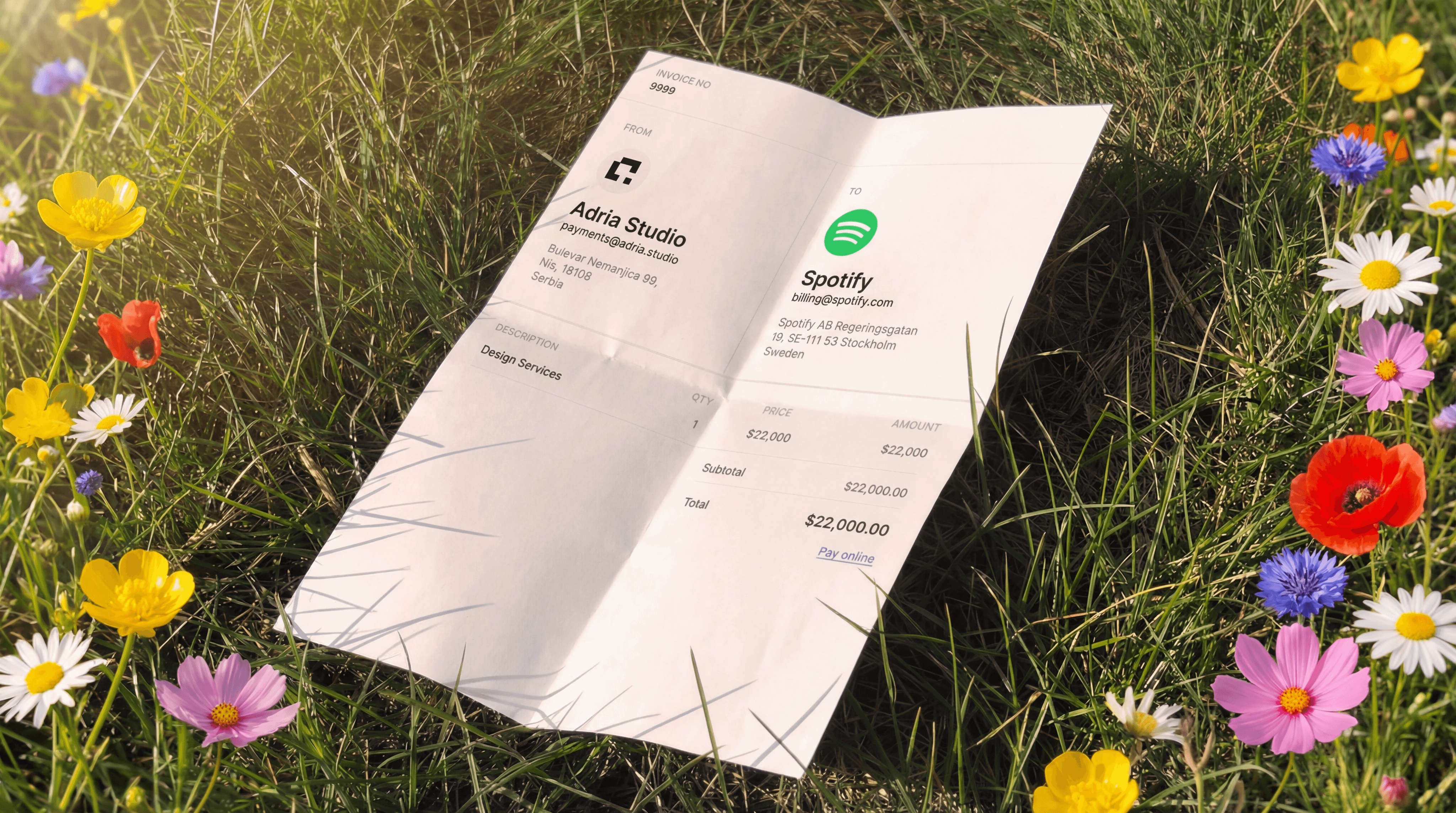
Five formats including Word, Excel, PDF, Google Docs and Google Sheets. Each one comes with placeholder fields for your business info and logo.
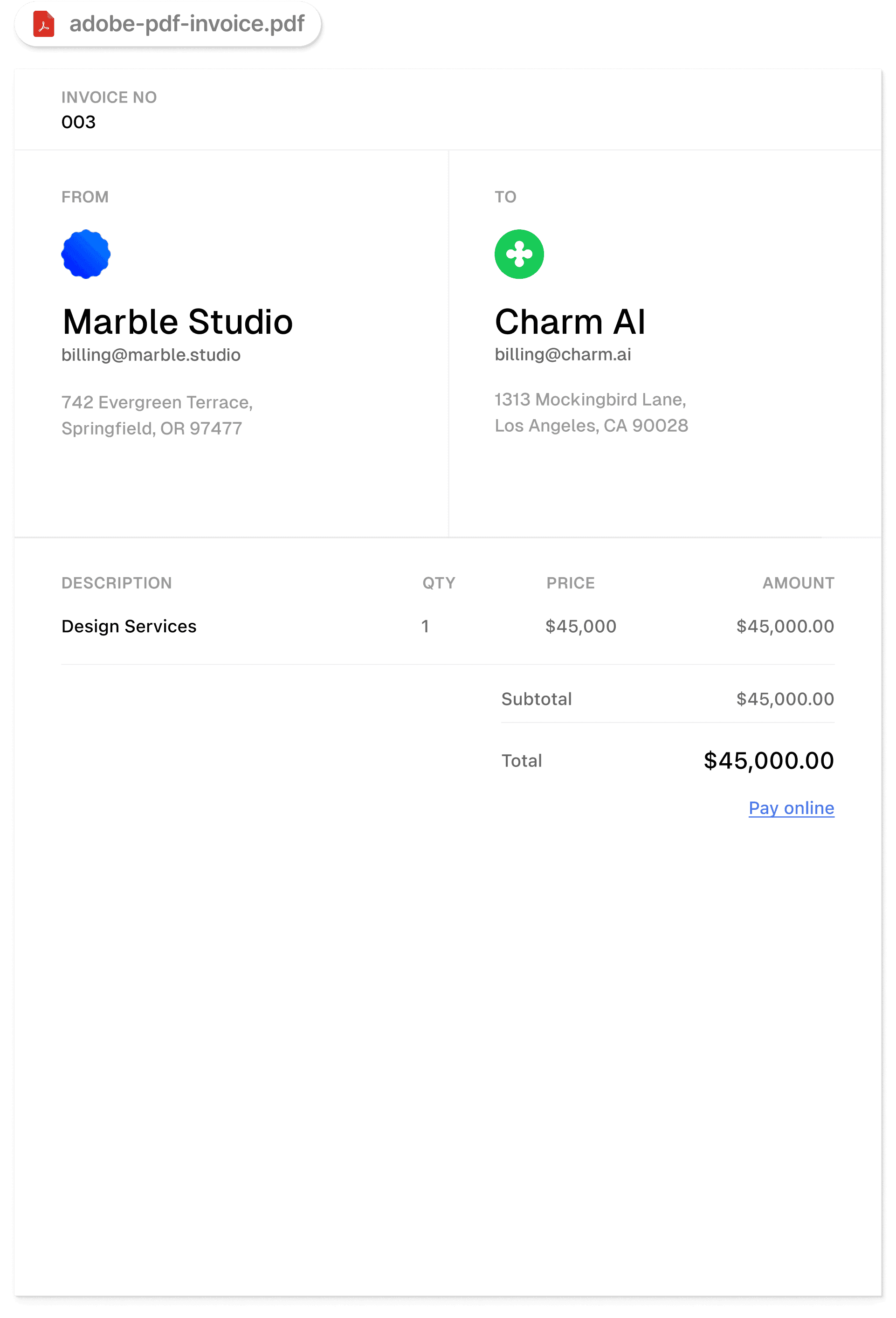
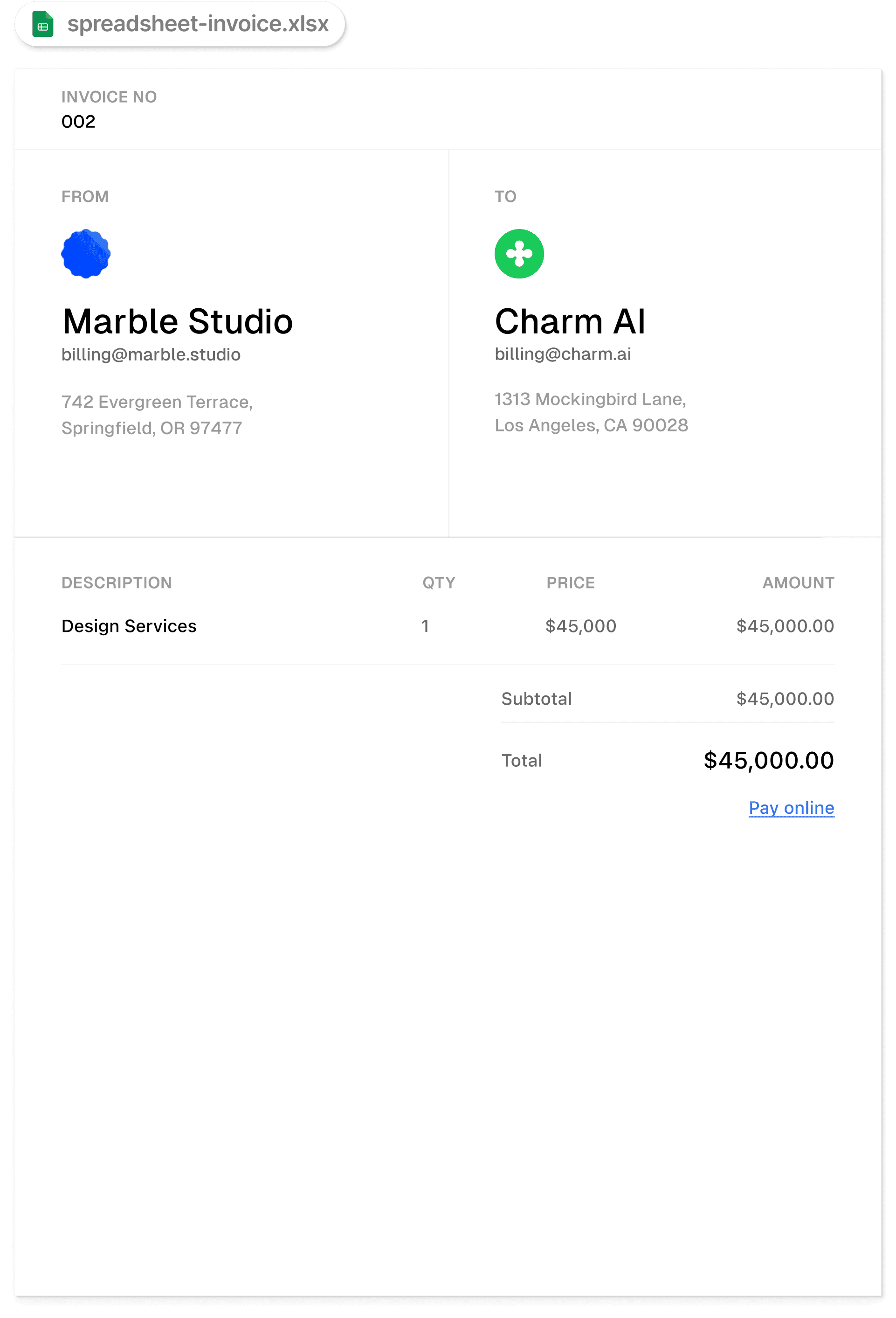
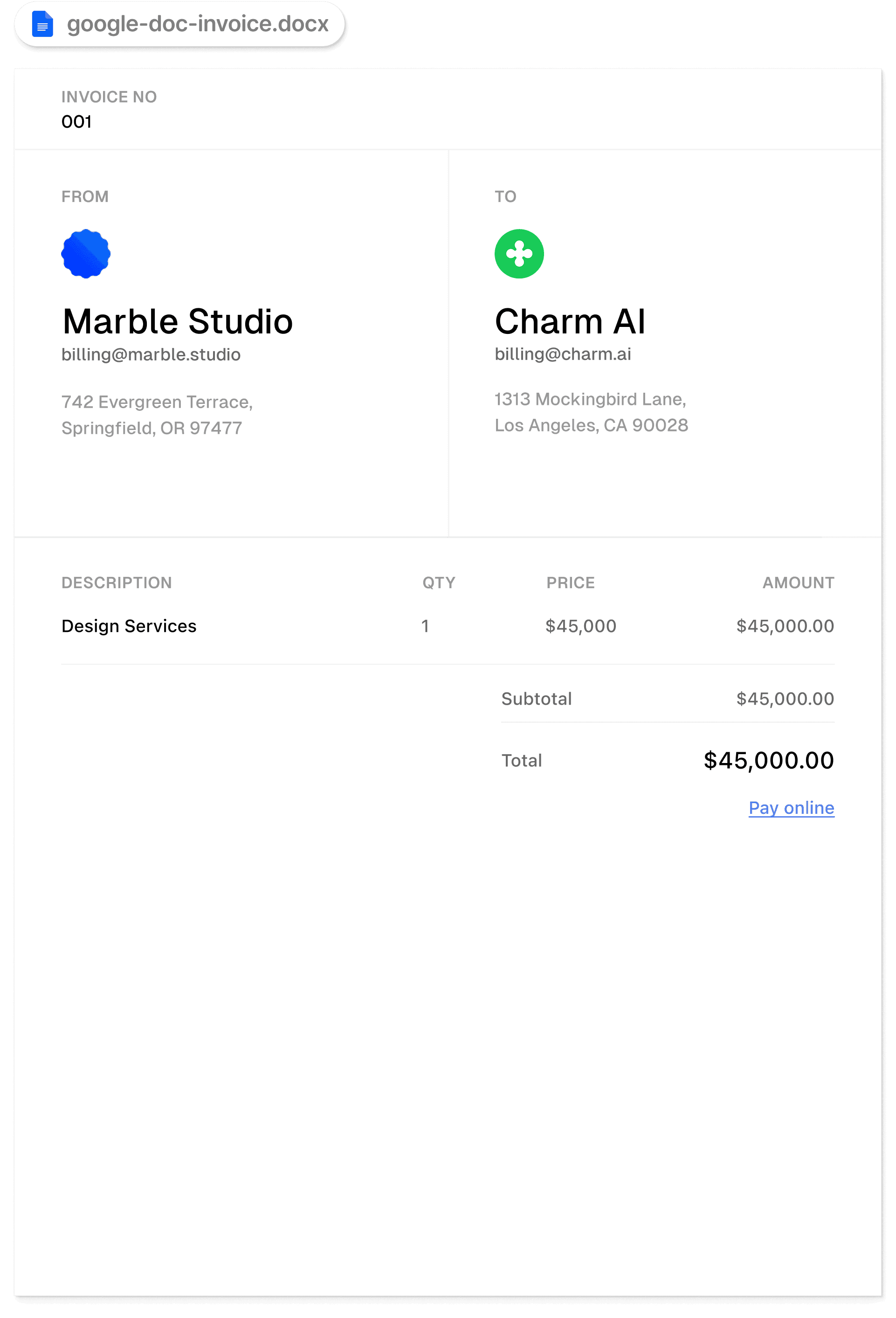



Choose a format
Five free templates ready to download
Fill it in
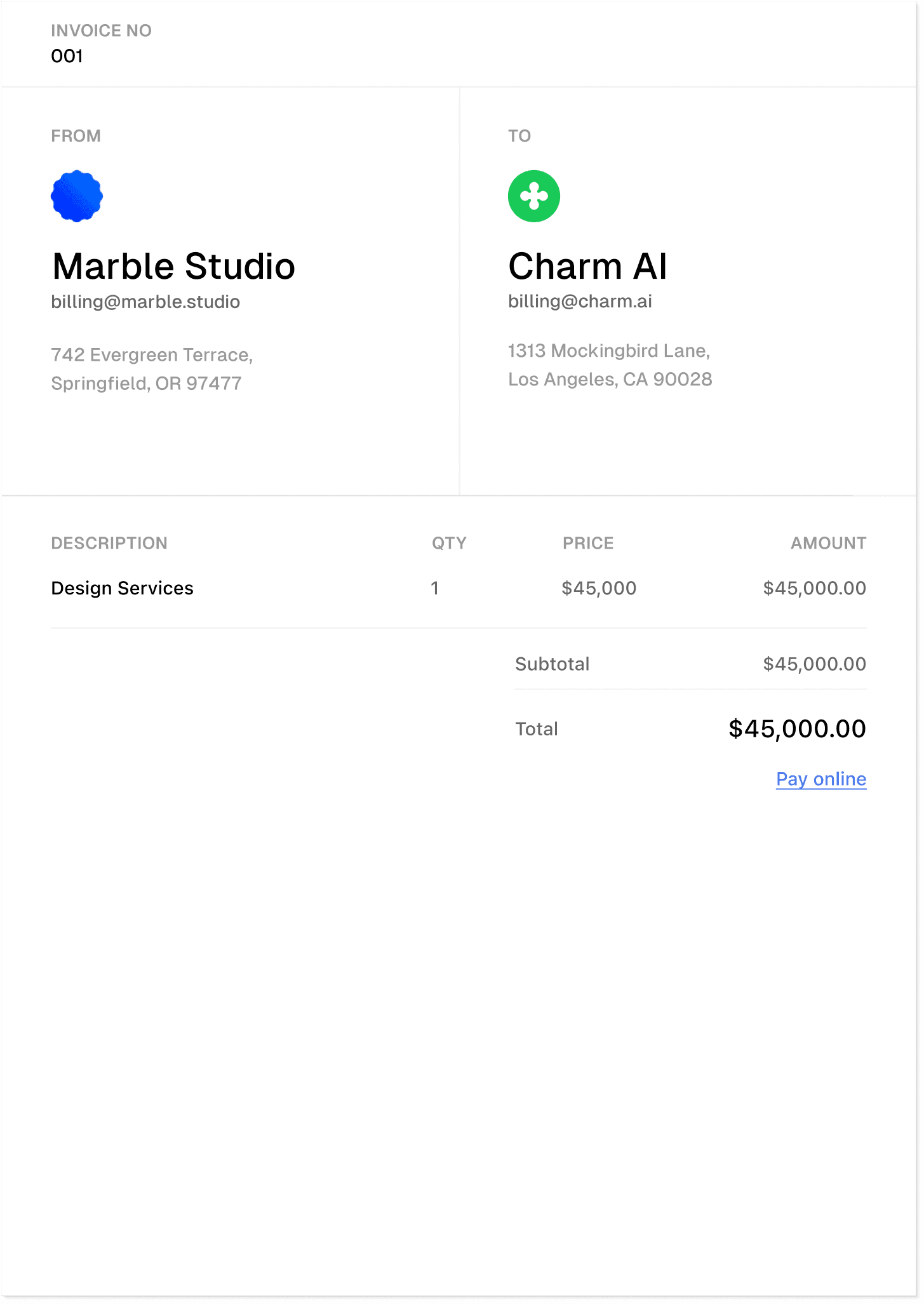
What goes on every invoice
A template only works if you fill it out properly. Here's what to include.



Beyond the template
What happens after you send the invoice
A Word doc handles the invoice itself fine. The hard part is everything after.
You email the PDF. You wait. You email a reminder. The client asks how to pay. You send bank details. The transfer takes four days. You log it in QuickBooks by hand.
Acctual generates the same kind of invoice with a payment link built in. Your client clicks it once and pays by card, bank transfer or stablecoin. Funds reach your account the same day. The transaction syncs to QuickBooks or Xero on its own.
Why Acctual
Same day payouts
Funds reach your bank or wallet the day your client pays
One payment link
Card, bank transfer or stablecoin from a single link
Auto sync with your books
Paid invoices show up in QuickBooks or Xero on their own
Compare
Costs nothing
Custom branding and logo
Send by email
One link for card, bank transfer or stablecoin
Same day payouts to your bank or wallet
Automatic reminders when invoices go late
Recurring invoices on a schedule
Auto sync with QuickBooks and Xero
135+ currencies, ACH and SEPA built in
Unlimited invoices and clients
Cards 2.7%
0.2%
Bank transfer 1%
Stablecoin 1%
Common questions
What does it cost to use these templates?
The templates are free to download and use. You don't need an account or any payment information.
Can I edit a template after downloading it?
Yes. Open the file in Word, Excel, Pages, Numbers or Google Docs and replace the placeholder text with your own business information and logo.
What format should I send to my client?
We recommend exporting the finished invoice as a PDF before sending. The formatting holds across email clients and the client can't accidentally edit the file.
How do I add my logo?
In Word and Google Docs, replace the placeholder image. In Excel and Google Sheets, use the insert image option from the toolbar. The PDF version has an editable logo slot.
Do I need to charge tax?
It depends on the rules in your jurisdiction and your client's. If sales tax, VAT or GST applies to your work, add it as a line item before the total. Check with your accountant if you're not sure.
What's the difference between a template and Acctual?
A template is a blank document you fill out. Acctual generates the invoice and includes a payment link, automatic reminders, bookkeeping sync to QuickBooks or Xero and same day payouts. Acctual is free to use until a client pays you, at which point we take a small transaction fee.
Can I use these templates as an international freelancer?
Yes. Edit the currency and payment terms to match your setup. If you regularly invoice clients across borders, Acctual supports 135+ currencies and accepts ACH, SEPA and stablecoin payments through a single link.
How fast does Acctual pay out?
Acctual pays out on the same day your client pays. Funds reach your bank account or wallet that day.
Can I edit a template after downloading it?
es. Each template is a regular file in its native format, so it opens in the program you already use. The Word template works in Microsoft Word and Apple Pages. The Excel template opens in Excel and Apple Numbers. The Google Docs and Google Sheets versions open from any browser. The PDF version has fillable fields you can type into using Adobe Acrobat, Apple Preview or any PDF reader that supports forms. In all of them, replace the placeholder text and image with your own business information and logo, save your copy and you’re ready to send.
What format should I send to my client?
We recommend exporting the finished invoice as a PDF before sending. The formatting holds across email clients, the client can’t accidentally edit the file and it prints cleanly if they need a paper copy for their records. Most accounting software also expects PDFs when it imports a vendor bill, so a PDF makes life easier for your client’s bookkeeper. The exception is if your client specifically asks for the editable file, which sometimes happens when they want to add their own internal codes before processing the payment.
How do I add my logo?
The method varies slightly by format. In Word and Google Docs, click the placeholder image and replace it through the Insert menu, or drag your logo file directly onto the document. In Excel and Google Sheets, use the insert image option from the toolbar and position it over the placeholder area. The PDF version has an editable image slot you can replace through Acrobat. A high resolution PNG with a transparent background tends to look best on the invoice, but a clean JPG works fine too. Aim for at least 300 pixels wide so it stays sharp when the invoice prints.
Which format should I choose?
Pick the one you already use day to day. If you write your work in Microsoft Word, the Word template will feel most familiar and you can edit it in either Word or Apple Pages without compatibility issues. If you live in spreadsheets and want totals to recalculate automatically when you change a quantity or rate, Excel or Google Sheets is the right pick. The PDF version is best if you need to print and fill the invoice by hand, or if you just want to type into the fields once and send. Google Docs and Google Sheets are useful if you split your time across devices or work without installing software locally. You don’t need to commit upfront. Download a few and see which one matches your workflow.
Will the formatting hold up when I email the invoice?
Yes, as long as you export to PDF before sending. A PDF preserves your fonts, spacing, logo placement and table alignment regardless of which device or program your client opens it on. If you send the raw Word, Excel or Google file, you depend on your client having the same software and the same fonts installed, and on their email client not stripping the formatting in transit. The PDF removes that variable. Every format we offer exports to PDF with a single command from its native app, so the extra step takes about three seconds.
What if I don’t have Microsoft Office?
ou can edit the Word template in Apple Pages on a Mac or iPad, or upload it to Google Docs directly from your browser. Excel files open in Apple Numbers on the same devices, and Google Sheets handles them too. The formatting may shift slightly across programs, particularly with custom fonts or table widths, so check the layout before exporting. If you don’t want to deal with cross program quirks at all, download the Google Docs or Google Sheets versions and edit them directly in your browser. There’s nothing to install and the files save automatically to your Drive.
Can I edit a PDF template, or do I need to print it?
You can do either. The PDF version has fillable fields, so you can type your details directly into it using Adobe Acrobat, Apple Preview or any PDF reader that supports forms. Save the filled file and you have a finished invoice ready to email. If you prefer paper, the same layout prints cleanly and you can fill it in by hand on a clipboard. The typed version is usually easier on your client’s bookkeeper and reduces the chance of misread numbers when they enter the invoice into their system. Why do we offer five formats instead of one? Different businesses run on different tools. A freelance writer probably drafts everything in Google Docs and wants to invoice from the same place. A bookkeeper who lives in spreadsheets wants the totals to calculate themselves. A trades contractor might want a printable PDF to clip to a clipboard. Forcing everyone into one format would mean half the people downloading have to translate between tools before they can use what they got. Offering the five most common programs means you can grab the one you already know and start filling it in.